
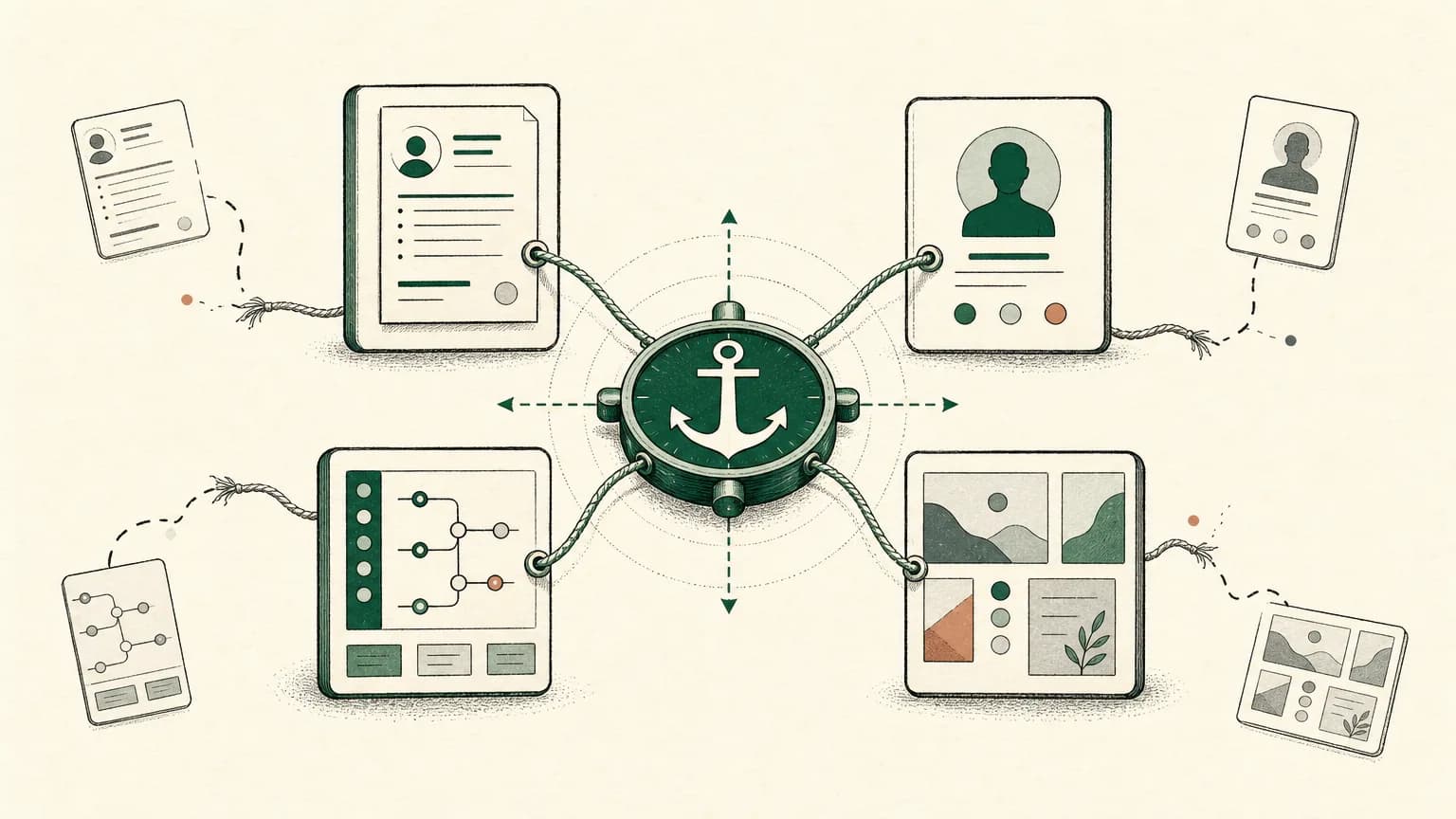
Your resume, LinkedIn, GitHub, and portfolio should match on facts, not format.
Titles, companies, dates, role direction, core skills, proof links, and public claims should not contradict each other. But each channel has a different job: the resume compresses, LinkedIn contextualizes, GitHub proves technical work, the portfolio explains decisions, and a public CV link gives humans a current version to read.
Think of the whole system like airport signage. The gate number cannot change from screen to screen, but the big board, mobile app, boarding pass, and hallway signs do not need the same layout.
Tiny CV's bias is to keep one clean claim record first, then publish or export from that source. That is what prevents the old PDF, updated LinkedIn profile, stale GitHub README, and portfolio case study from drifting into four different versions of you.
This protocol takes 20 minutes.
What should match across your resume, LinkedIn, GitHub, and portfolio?
Your career channels should match on identity, timeline, claims, and proof, while differing in depth and purpose.
The common mistake is copy-paste consistency. A LinkedIn profile can be more conversational than a resume. A portfolio can tell the story behind one project. A GitHub profile can show code, READMEs, collaboration, and maintenance signals that would be too much for a one-page PDF.
The facts still need to line up.
University of Pennsylvania Career Services, republishing Ivy Exec guidance, makes the useful distinction: position titles and years should correspond across a resume and LinkedIn profile, while the two channels differ in audience, tone, and evidence depth.1 Appalachian State's Business Career Services says the same thing more directly: your LinkedIn profile can hold more information, but it should be coherent and consistent with your resume.2
Here is the rule to use before every application:
Same facts. Different jobs.
Tiny CV helps with the first half of that rule. Keep the factual resume source in markdown, then let LinkedIn, GitHub, portfolio, public link, and PDF carry the right amount of context for their readers.
What is the career-channel alignment matrix?
The career-channel alignment matrix shows what each asset is for, what must match, what can differ, and where drift usually enters.
Use this as the answer-box version of the article. If you only fix one thing today, fix the "Common drift risk" column.
| Channel | Primary job | Must match | May differ | Common drift risk |
|---|---|---|---|---|
| Resume/PDF | Compressed evidence for the target role | titles, dates, companies, links, major claims | order, bullets, role emphasis | role-specific versions changing facts |
| Broad professional context and discoverability | titles, dates, companies, role direction | tone, About section, richer context, recommendations | old titles or overbroad skills | |
| GitHub | Technical proof and collaboration signal | name/identity, relevant links, public project claims | pinned repos, README depth, technical commentary | inactive or irrelevant pinned work |
| Portfolio | Decision/process narrative and selected artifacts | project names, role, dates, tools, confidentiality boundaries | case-study depth, visuals, process notes | claiming ownership beyond actual role |
| Tiny CV public link | Current human-readable resume version | source facts, selected links, contact route | focused public version vs private source | private notes or stale links published |
GitHub's official resume guidance turns the GitHub row into a concrete review task: create a professional bio, use a profile README, include portfolio or social links, and pin 3-5 projects so hiring readers can find the work you are proud of.3
That number is helpful because it forces selection.
A profile with 30 scattered repositories asks the reader to sort your work for you. A profile with 3-5 current, relevant pinned projects says, "Start here."
Portfolio guidance has the same shape. WPI's Career Development Center tells technical students to show projects, skills, GitHub and LinkedIn links, and a downloadable resume that matches the projects and skills shown throughout the portfolio.4 ASU Engineering Career Center says portfolios let candidates go deeper than a resume, should use non-confidential work samples, and for designers and developers should focus on 1-3 standout projects aligned with career goals.5
The through-line is not "add every link."
It is "make every link earn trust."
How do you run the 20-minute alignment audit before you apply?
Run a 20-minute alignment audit by checking identity, timeline facts, proof links, and stale claims across every live channel before you send an application.
Do not start by rewriting. Start by collecting the actual surfaces a recruiter could open.
0-3 minutes: collect the live assets
Open the current resume/PDF, LinkedIn profile, GitHub profile, portfolio or personal site, and Tiny CV public link if you use one.
Use the live versions, not the files you think are current.
3-7 minutes: check identity and contact route
Check your professional name, city or remote signal, email or contact path, LinkedIn URL, GitHub URL, portfolio URL, and public CV URL.
LinkedIn Help says a custom public profile URL can help people and recruiters identify your profile. It also gives operational constraints: the custom URL can be 3-100 characters, should not include spaces, symbols, special characters, or the word "LinkedIn," and can be changed up to five times within six months.6
That is not branding trivia. It is findability.
7-12 minutes: check timeline facts
Compare company names, role titles, dates, education, credentials, and current role target.
If your resume says "Product Engineer, 2022-2025" and LinkedIn says "Senior Product Engineer, 2021-present," stop. That mismatch is more important than polishing the About section.
12-16 minutes: check proof links
Click the GitHub pinned repositories, portfolio case studies, live demos, project links, and public CV links.
Look for dead demos, stale READMEs, missing project context, private repositories that do not resolve for a recruiter, and case studies that reveal confidential work.
16-20 minutes: check role fit and removal
Remove stale skills, dead links, private notes, irrelevant projects, public phone or address details you did not intend to publish, and claims you cannot defend.
UT Dallas recommends adding LinkedIn, GitHub, or professional portfolio links in the resume contact section and keeping that section at the top rather than buried in a header that may hurt readability or ATS compliance.7 It also recommends a 14-18 point name and 11-12 point contact information, which is a useful reminder that contact details should be readable, not clever.7
Here is the pass/fail rule:
If a stranger could not tell whether two profiles belong to the same truthful candidate, fix the mismatch before sending.
What must match, what may differ, and what should you remove?
Resume and LinkedIn consistency does not mean every sentence should match; it means facts, proof, and ownership boundaries should not contradict each other.
Use this table when the audit finds a mismatch.
| Element | Must match | May differ | Remove or fix |
|---|---|---|---|
| Name/identity | same professional name or obvious variant | fuller legal name in formal contexts | joke handles that obscure identity on job materials |
| Titles and companies | same core title/company/date range | resume can use target-relevant bullets; LinkedIn can add broader context | title inflation, missing employers, unexplained date conflicts |
| Skills | skills you can defend across channels | resume skills can be narrower for a role; GitHub/portfolio can show deeper tooling | tools touched once, obsolete stacks, skills not visible in proof |
| Projects | project names, role, technologies, and ownership boundaries | portfolio can tell the story; GitHub can show code; resume can summarize | confidential details, dead demos, repos that contradict resume claims |
| Metrics/outcomes | same numbers and scope when used | LinkedIn can soften confidential metrics; portfolio can explain context | rounded numbers that changed twice, unprovable impact, invented outcomes |
| Links/contact | active, professional, visible links | public link may be a Tiny CV URL while PDF stays formal | broken links, private docs, personal phone/address if not intended |
The most dangerous row is usually "metrics/outcomes."
A resume bullet gets tailored for a platform role. LinkedIn keeps the broader version. A portfolio case study rounds the metric again. Suddenly the same project claims three different scopes.
That is how honest candidates look careless.
When in doubt, narrow the claim until you can defend it in an interview. A smaller true claim beats a larger fuzzy one.
For role-specific resumes, pair this protocol with the resume source of truth workflow. For AI edits, run the resume diff checklist before letting a stronger phrase become a public claim.
Should you put GitHub and a portfolio on your resume?
You should put GitHub and portfolio links on your resume when they prove the role you want and are clean enough for review.
Do not add links as decoration. Add them because they answer a hiring question faster than another bullet can.
Put the links in the top contact block when they are central to your candidacy:
Name | City, ST | email@example.com | linkedin.com/in/name | github.com/name | portfolio.dev | tiny.cv/name
Use project-specific links near the relevant project when the proof is narrower:
### Release Notes Generator
- Built a CLI that groups merged pull requests by label and produces draft release notes for maintainer review.
- Repo: https://github.com/yourname/release-notes-generator
For GitHub, make the profile review-ready before you advertise it. GitHub recommends a short professional bio, a profile README that can include skills and selected projects, 3-5 pinned projects, and project READMEs that make the work easy to understand and explore.3
For portfolios, show selected projects with your specific role, problem, approach, tools, outcome, and confidentiality boundary. ASU's portfolio guidance is especially useful here: non-confidential samples, deeper stories than a resume can carry, and a small set of standout projects.5
Raelynn Grasso, Career Advising Specialist and Assistant Adjunct Professor of Psychology at University of Maryland Global Campus, makes the technology-resume point clearly: portfolio and GitHub links give employers direct evidence of coding style, project complexity, and technical depth.8
That is the bar.
A GitHub link should show technical judgment. A portfolio should show decision quality. A Tiny CV public link should show the current resume clearly enough for a human to skim, forward, and revisit.
One operational detail matters: use plain visible URLs when possible. Hidden anchor text can disappear when copied, parsed, printed, or forwarded.
How do you keep your channels from drifting?
The best way to keep career channels from drifting is to maintain one source-of-truth claim record before publishing channel-specific versions.
Drift rarely announces itself. It arrives through tiny edits.
An old PDF keeps a previous role target. LinkedIn gets updated after a promotion. GitHub pins a project that no longer supports your current search. A portfolio case study uses an old title. A public link misses the project you just added to the PDF.
Use a source-of-truth pass before you update any public channel:
## Claim record
- Professional name:
- Target role:
- Current resume version:
- LinkedIn URL:
- GitHub URL:
- Portfolio URL:
- Public CV URL:

## Stable facts
- Employer / title / dates:
- Skills I can defend:
- Projects I can explain:
- Metrics and proof source:

## Do not publish
- Private notes:
- Confidential clients:
- Internal dashboards:
- Unverified metrics:
This is not paperwork for its own sake.
It is a truth lock.
Tiny CV's markdown-first resume can act as the clean claim record: titles, dates, skills, projects, proof links, and role-specific versions stay visible before they become a public link or PDF. If you already write in markdown, the Markdown resume guide for technical candidates gives you the base workflow.
The important move is to separate stable facts from channel-specific presentation.
LinkedIn can be broader. GitHub can be technical. A portfolio can be narrative. The resume can be compressed.
None of them should quietly rewrite the truth.
What is the Tiny CV workflow for source, alignment, publish, and export?
The Tiny CV workflow is source, align, publish, and export: keep the facts in markdown, audit the links, publish the human-readable version, and export the PDF when a system needs a file.
Use this sequence after the 20-minute audit:
- Start in Tiny CV markdown with stable facts: name, roles, dates, skills, projects, metrics, and proof links.
- Create or update a role-specific resume version by changing emphasis and order, not facts.
- Use the live paper preview to keep the PDF concise and readable.
- Add only review-ready links: LinkedIn, GitHub, portfolio, and public CV.
- Publish the focused public Tiny CV link for humans.
- Export the PDF for systems and uploads.
- After any LinkedIn, GitHub, portfolio, or resume update, rerun the 20-minute audit before sending.
For a deeper split between those final two outputs, use the public resume link vs PDF guide. The short version is still the same:
Public link for humans. PDF for systems.
The alignment work happens before both.
Footnotes
-
University of Pennsylvania Career Services, "3 Essential Differences Between a Resume and a LinkedIn Profile," originally published by Ivy Exec, January 24, 2023, https://careerservices.upenn.edu/blog/2023/01/24/3-essential-differences-between-a-resume-and-a-linkedin-profile/ ↩
-
Appalachian State University Business Career Services, "LinkedIn and Handshake Profiles," https://businesscareers.appstate.edu/career-coaching/linkedin-handshake-profiles/ ↩
-
GitHub Docs, "Using your GitHub profile to enhance your resume," https://docs.github.com/en/account-and-profile/tutorials/using-your-github-profile-to-enhance-your-resume ↩ ↩2
-
Worcester Polytechnic Institute Career Development Center, "Building an Online Portfolio," https://cdc.wpi.edu/channels/building-an-online-portfolio/ ↩
-
Arizona State University Engineering Career Center, "Portfolios," https://career.engineering.asu.edu/resumesandresources/portfolios/ ↩ ↩2
-
LinkedIn Help, "Manage your public profile URL," https://www.linkedin.com/help/linkedin/answer/a542685/manage-your-public-profile-url ↩
-
The University of Texas at Dallas University Career Center, "Resume & Cover Letter," https://career.utdallas.edu/career-resource-library/resume-and-cover-letter/ ↩ ↩2
-
Raelynn Grasso, "Why These Essential Elements Create a Strong Technology Resume," UMGC Career Services Connection, April 15, 2026, https://www.umgc.edu/career-connection/articles/why-these-essential-elements-create-a-strong-technology-resume ↩