
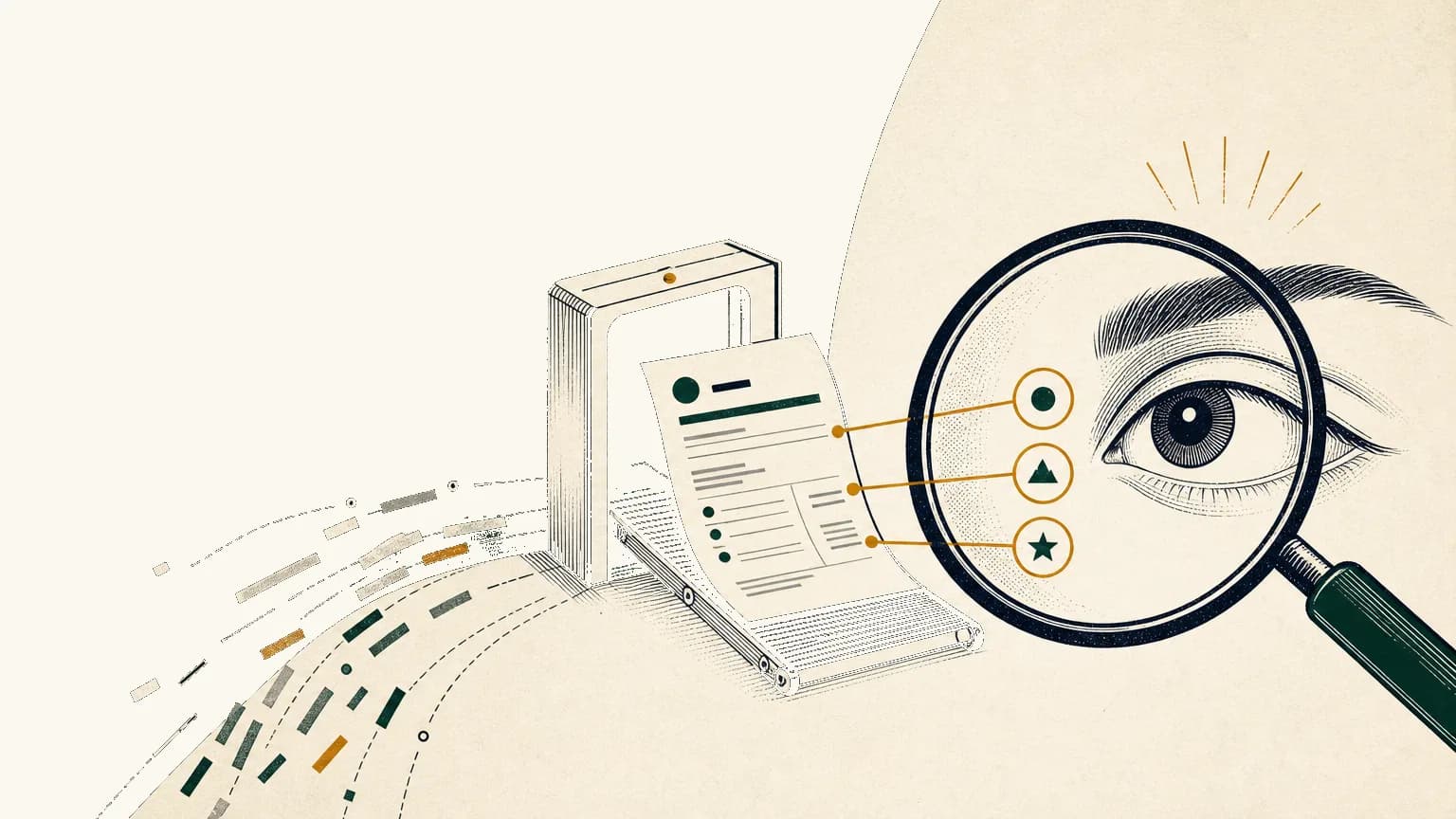
After the ATS reads a technical resume, the next test is usually human clarity: can a recruiter or hiring team member quickly see the role fit, recent technical proof, and claims worth passing forward?
The ATS gets your resume into a system. The human scan decides whether your evidence is obvious enough to earn the next read.
That is Tiny CV's point of view: the goal is not to beat a robot. The goal is to keep a truthful source of evidence readable by systems and humans.
What actually happens after the ATS reads a technical resume?
After the ATS step, a resume is usually parsed, searched, filtered, routed, scored, or added to a hiring workflow before a person checks whether the candidate looks relevant.
Think of the ATS like the backstage area of hiring. It stores the resume, extracts text, organizes candidates, supports searches, and lets recruiters or hiring teams coordinate next steps. Workable describes ATS software as infrastructure for resume parsing, candidate profiles, shortlist context, comments, and recruiting workflow, not as one universal decision machine.1
That distinction matters.
An ATS-friendly resume is readable, searchable, and easy to route. It is not a magic scorecard. For a deeper parser-focused walkthrough, start with what an ATS-friendly resume actually means, then use this post for the human layer that comes next.
What does the ATS step really do before a person looks?
The ATS step turns your resume into recruiting data, but different employers configure that step in different ways.
Some workflows parse resumes into candidate profiles. Some support keyword search. Some use screening questions, knockout requirements, or filters. Some teams add scorecards, comments, interview kits, and hiring-manager feedback inside the same system.
SHRM's 2026 resume-screening guide tells HR teams to confirm job requirements, use ATS keywords and filters, create screening scorecard metrics, and confirm must-have skills, qualifications, and experience.2 Greenhouse's scorecard documentation shows the later structured-hiring version of the same idea: teams define attributes, rate focus areas, write key takeaways, and make an overall recommendation.3
AI can also appear in this workflow, but the scope varies. The EEOC's worker guidance gives examples such as screening resumes for keywords or experience, evaluating recorded interviews, and using chatbots during recruiting.4 That is a legal and fairness caveat, not proof that every ATS automatically rejects most applicants.
Here is what this means for your resume: standard headings, text-based exports, clear dates, visible skills, and keywords in context still matter. They help the system preserve the evidence a human will later need.
What does the first human scan look for?
The first human scan looks for fast orientation: target role, recent title, relevant stack, seniority, chronology, location or work authorization when relevant, and obvious gaps against must-have requirements.
The famous "six-second resume" claim is too often repeated as if it were a law of hiring physics. The useful version is narrower: recruiters skim. A 2018 Ladders eye-tracking update reported an average initial screen of 7.4 seconds, but that should be treated as small historical eye-tracking context, not a universal stopwatch for every recruiter in 2026.5
The practical lesson is still real.
If your strongest technical evidence is buried halfway down the page, the first pass may never reach it. A recruiter should not have to reverse-engineer whether you are a backend engineer, data engineer, AI product engineer, new grad, staff engineer, or career-switching developer.
CareerOneStop's resume guide makes the same point from the job-seeker side: make it easy for employers to find the qualifications and skills related to the position, and describe work with context, outcome, and keywords from the posting.6
If the target is technical, use a role-specific proof lens. The software engineer resume guide and AI engineer resume guide show how that evidence changes by role.
What do technical recruiters look for after the first pass?
Technical recruiters look for proof that your tools, systems, scope, and outcomes match the role closely enough to justify a deeper review.
For a technical resume, keywords are only labels. The proof lives in the work: languages and frameworks used in real projects, systems owned, product context, scale, debugging, migrations, collaboration, and impact.
Kevin Gray at NACE reported that Job Outlook 2025 employers reviewing student resumes were looking for evidence of work-ready skills: nearly 90% sought problem-solving evidence, nearly 80% sought teamwork, and at least 70% sought written communication, initiative, work ethic, and technical skills. The data were collected from August 5 to September 16, 2024, with 237 total respondents.7
LinkedIn's Future of Recruiting 2025 points in the same direction for experienced candidates. It reports that 93% of talent acquisition professionals believe accurately assessing candidate skills is crucial for improving quality of hire, and that among teams experimenting with or integrating generative AI, 35% use saved time for candidate screening while 26% use it for skill assessments.8
The same report says 37% of recruiting organizations are actively integrating or experimenting with generative AI, 73% of talent acquisition professionals agree AI will change how organizations hire, and users report saving about 20% of the workweek.8
So do not let skills float in a disconnected cloud. In Tiny CV, keep the markdown source close to the proof: "TypeScript" belongs in the skills section and inside the bullet where you shipped the React or Next.js work. That is the safer version of keyword targeting, and it pairs with resume keywords without keyword stuffing.
The Technical Resume Human Scan Map
The Technical Resume Human Scan Map shows where each reader needs evidence and what you should avoid over-optimizing.
Use it before you export a role-specific version.
| Stage | Who/what is reading | What they need fast | Resume signals to place visibly | What not to over-optimize |
|---|---|---|---|---|
| ATS parse/search | Parser, search index, filters | Text, headings, dates, role terms, keywords in context | Standard headings, text-based PDF or requested file type, clear titles, real skills, searchable bullets | Images, columns that break parsing, hidden keyword lists, contact details in headers or footers |
| Recruiter first-pass orientation | Recruiter or sourcer | Target role, recent title, stack, seniority, scope | One-line role frame, recent role proof, compact skills, location or work authorization if relevant | Vague summaries, buried core skills, a long technology inventory |
| Recruiter evidence check | Recruiter checking fit | Two to four strongest recent proof points | Bullets with action, system or product, scope, outcome, and relevant tools | Task lists without outcomes, unsupported metrics, generic soft skills |
| Hiring-manager handoff | Hiring manager or interview loop | Project depth, tradeoffs, collaboration, risk, product impact | Recent systems, technical decisions, incidents, migrations, shipped features, cross-functional work | Unexplained tool lists, inflated ownership, private details that cannot be shared |
| Interview verification | Interviewers | Claims that can be defended with examples | Truthful metrics, defensible scope, links when useful, projects you can discuss | AI-polished fiction, fake numbers, exaggerated seniority |
Tiny CV's paper preview is useful here because this map becomes visual. If the target role, core stack, and best proof are not visible on one clean page, the resume may be technically complete and still hard to scan.
What does current research say about AI screening versus human judgment?
Current research suggests AI-assisted screening can be useful, but machine ranking is not the same as validated human judgment.
Aryan Varshney and Venkat Ram Reddy Ganuthula tested LLM resume screening against human recruitment experts across contexts. Their arXiv paper found consistently significant differences between LLM and human evaluations, with p < 0.01, and concluded that LLM evaluation patterns diverged substantially from human judgment.9
Jane Castleman, Zeyu Shen, Blossom Metevier, Max Springer, and Aleksandra Korolova studied validity in LLM-based resume screening. Their 2026 paper constructed comparable resumes with known ground truth and found that many models did not consistently select the more qualified candidates.10
Kyra Wilson and Aylin Caliskan focused on retrieval-style resume screening. In their simulated setup, massive text embedding models favored White-associated names in 85.1% of cases and female-associated names in only 11.1% of cases, with intersectional risks especially visible for Black male-associated names.11
There is also a more hopeful finding, but it should be scoped carefully. Emma Wiles, Zanele Munyikwa, and John Horton found in Management Science that nongenerative algorithmic writing assistance in an online labor market led treated job seekers to be hired 8% more often at 10% higher wages, with no evidence employers were less satisfied.12
The synthesis is not "panic about robots" or "let AI write everything." It is this: clearer writing can help employers ascertain ability, but automated screening needs caution, validation, and human oversight.
How do you make a technical resume easy for a human to scan?
You make a technical resume easy to scan by putting the target role, strongest technical fit, and recent proof where a reader can find them in one pass.
Use plain headings: Experience, Projects, Skills, Education. Put skills near proof. Lead recent roles with the bullets that best match the job, not the bullets that were easiest to write.
The Department of Labor's 2026 Resume Essentials guide recommends using keywords from the posting inside achievement statements, avoiding charts or images, avoiding tables and columns, and keeping vital information out of headers and footers.13 It also frames achievement statements around results, not just responsibilities.
Run this human scan test:
- Can the reader identify the target role?
- Can the reader see the core technical stack?
- Can the reader tell how recent the relevant work is?
- Can the reader understand seniority, scope, or ownership?
- Can the reader find the strongest proof without hunting?
If one answer is no, fix hierarchy before adding more words. If a bullet needs a metric you cannot verify, use resume bullets without inventing metrics and show scope, constraint, audience, or outcome instead.
What should you do in Tiny CV before you apply?
Before you apply, use Tiny CV to turn the scan map into a role-specific, truthful resume workflow.
Start from your markdown resume source of truth. Mark the target role, must-have skills, and three to five proof points from the job description. Move the strongest recent technical evidence high enough to survive the first human scan.
Ask an AI agent only for organization, scan clarity, and gap-spotting. Reject invented facts, metrics, tools, ownership, or seniority. Tailoring changes emphasis, not history.
Then use Tiny CV's paper preview to check the one-page hierarchy. Save a role-specific version when the emphasis changes. Share a public Tiny CV link when a human reviewer benefits from a clean live page, and export the PDF when an application system needs the file. That is the practical split behind public resume link vs PDF.
The goal is not to beat a robot. It is to make real evidence survive the system step and stay obvious to the human reader.
Footnotes
-
Workable, "Applicant tracking system guide: From A to Z," https://resources.workable.com/tutorial/applicant-tracking-systems-atoz ↩
-
SHRM Advisor, "How to Screen Resumes Efficiently: A Beginner's Guide," February 9, 2026, https://www.shrm.org/in/topics-tools/news/blogs/how-to-screen-resumes-efficiently--a-beginner-s-guide ↩
-
Greenhouse Support, "Scorecard overview," updated April 3, 2026, https://support.greenhouse.io/hc/en-us/articles/4414777492891-Scorecard-overview ↩
-
U.S. Equal Employment Opportunity Commission, "Employment Discrimination and AI for Workers," April 29, 2024, https://www.eeoc.gov/sites/default/files/2024-04/20240429_Employment%20Discrimination%20and%20AI%20for%20Workers.pdf ↩
-
TheLadders, "Eye-Tracking Study," 2018, https://www.theladders.com/static/images/basicSite/pdfs/TheLadders-EyeTracking-StudyC2.pdf?type=standard ↩
-
CareerOneStop, "Work experience," Resume Guide, sponsored by the U.S. Department of Labor Employment and Training Administration, https://cloudfront.careeronestop.org/JobSearch/Resumes/ResumeGuide/work-experience.aspx ↩
-
Kevin Gray, NACE, "What Are Employers Looking for When Reviewing College Students' Resumes?", December 9, 2024, https://www.naceweb.org/talent-acquisition/candidate-selection/what-are-employers-looking-for-when-reviewing-college-students-resumes ↩
-
LinkedIn Talent Solutions, "The Future of Recruiting 2025," https://business.linkedin.com/hire/resources/future-of-recruiting ↩ ↩2
-
Aryan Varshney and Venkat Ram Reddy Ganuthula, "Signal or Noise? Evaluating Large Language Models in Resume Screening Across Contextual Variations and Human Expert Benchmarks," arXiv:2507.08019, July 8, 2025, https://arxiv.org/abs/2507.08019 ↩
-
Jane Castleman, Zeyu Shen, Blossom Metevier, Max Springer, and Aleksandra Korolova, "Measuring Validity in LLM-based Resume Screening," arXiv:2602.18550, February 20, 2026, https://arxiv.org/abs/2602.18550 ↩
-
Kyra Wilson and Aylin Caliskan, "Gender, Race, and Intersectional Bias in Resume Screening via Language Model Retrieval," arXiv:2407.20371, 2024, https://arxiv.org/abs/2407.20371 ↩
-
Emma Wiles, Zanele Munyikwa, and John Horton, "Algorithmic Writing Assistance on Jobseekers' Resumes Increases Hires," Management Science 71(12), 2025, https://doi.org/10.1287/mnsc.2024.04528 ↩
-
U.S. Department of Labor VETS, "Resume Essentials Participant Guide," February 2026, https://www.dol.gov/sites/dolgov/files/VETS/files/ResumeEssentials_PG_Interactive_Feb2026.pdf ↩